

Your laptop is open, your sprint board is waiting, and… your “office” is still at the corner of the dining table. The cables snake under chairs, every video call picks up the dishwasher, and you spend the first two minutes of every stand-up apologizing for the background.
If you're hunting for home office design ideas that actually work for remote tech life, multiple monitors, meetings across time zones, and deep-focus coding sessions. This guide walks through practical ways to upgrade cable management, acoustics, lighting, and furnishings in a typical Vancouver home.
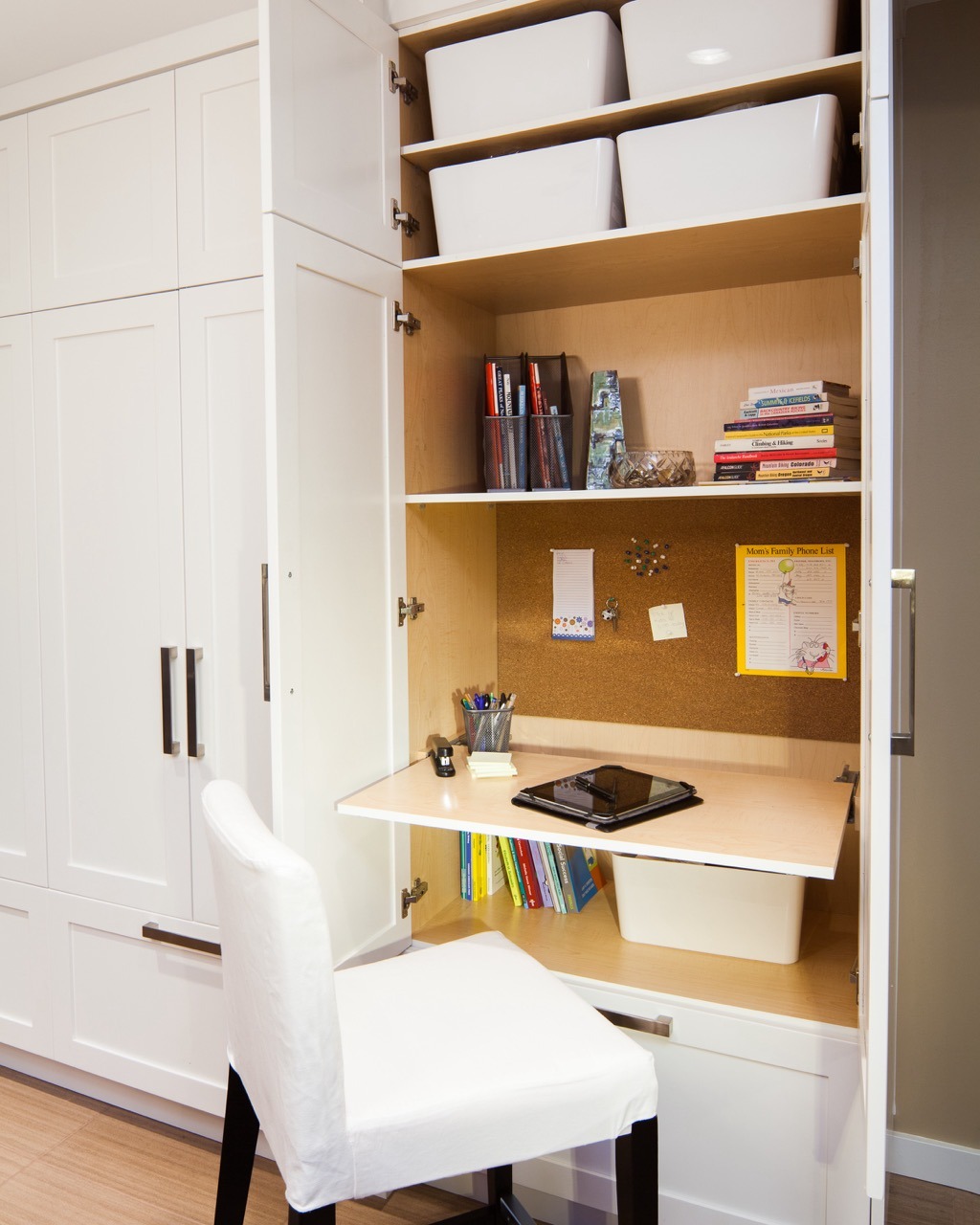
A dedicated home office, even in a modest condo-style room, can make remote tech work feel more focused and permanent than a borrowed corner of the dining table.
As a Vancouver-area design–build contractor, we’ve turned spare bedrooms, dens, and even awkward landings into serious workspaces. The ideas below range from quick weekend tweaks to renovation-level changes you’d plan with a design–build team.
Remote work is no longer a short-term experiment: Statistics Canada estimates that the share of Canadians working most of their hours from home rose from about 7% in 2016 to roughly one in five workers by 2023. Statistics Canada research on working from home also finds that teleworkers save over an hour of commuting time on days they work from home—another reason to make your setup comfortable and efficient.
TL;DR: remote-tech home office in four layers
If you only skim, set up your space in this order:
- Power & data: plan outlets, power bars, and network first, not last.
- Acoustics: soften hard surfaces and seal obvious sound leaks.
- Lighting & camera: face light, avoid windows behind you, raise the lens.
- Furnishings & decor: choose pieces that hide clutter and look good on camera.
Most of these home office ideas work in condos, townhomes, and older character houses. For bigger changes, moving walls, adding windows, or building in storage. Plan them alongside broader renovation projects so the space works with the rest of your home.
Start with your tech (and cables), not your paint colour
Remote tech work usually means at least one laptop, one external monitor, a docking station, mic, camera, and a mountain of chargers. That’s before you add a sit–stand desk, printer, or NAS tucked in the corner.
Before you shop for office decor, sketch three things:
- Desk wall: Which wall lets you face the room or a window without glare on your screens?
- Power: Which outlets will serve the desk, and will you overload a single one?
- Network: Will you rely on Wi‑Fi, or do you want hardwired ethernet for stable stand-ups and demos?
We often help clients in older Vancouver homes add new circuits, data lines, and recessed floor or wall outlets while we’re already opening walls for other work. Planning this during a larger renovation keeps the office from becoming an afterthought.
Always have electrical and low‑voltage work done by licensed trades, and check local permit requirements if you’re adding outlets or running new cable through walls.
Smart cable management ideas that actually work
Cable management is less about making everything invisible and more about making it predictable. You want to be able to unplug one monitor without pulling half the setup apart.
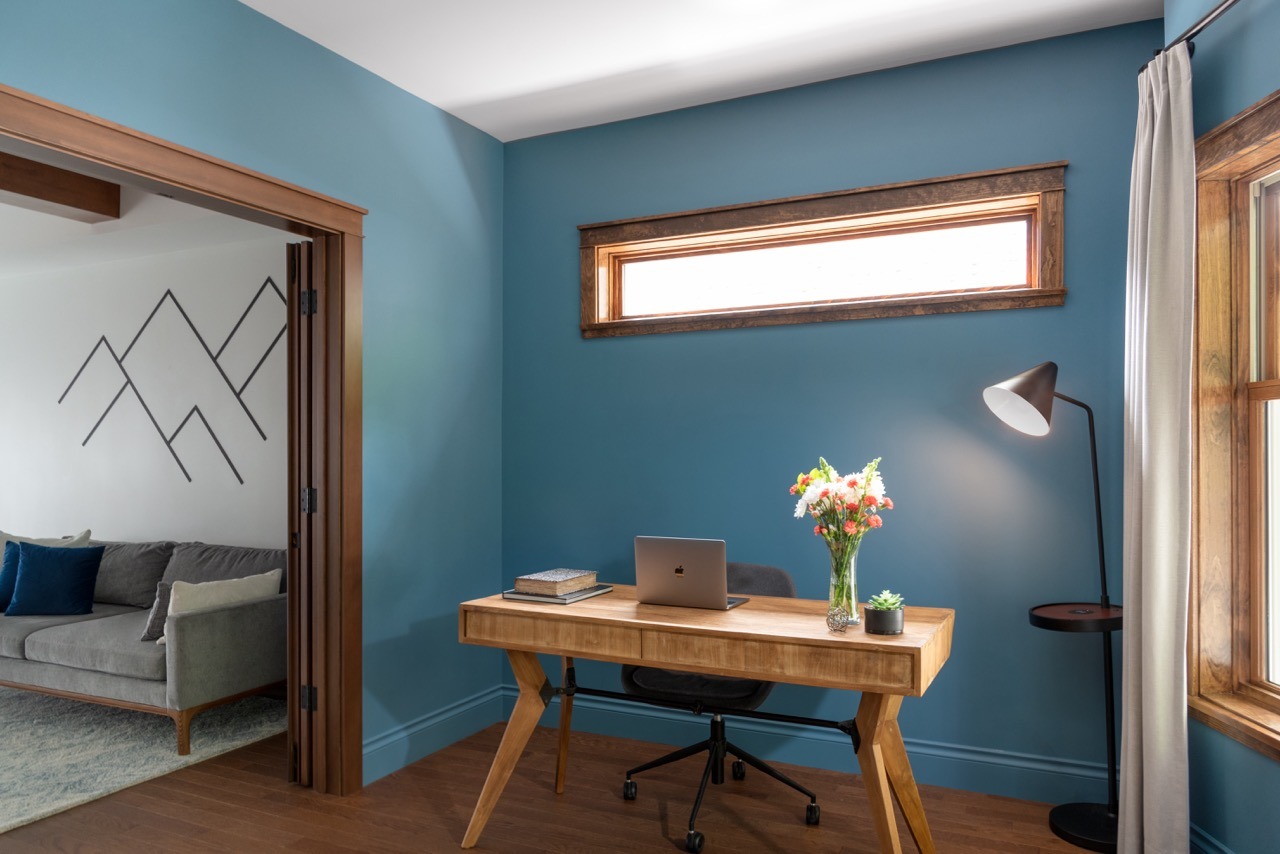
Using an under-desk cable tray, short runs to nearby outlets, and simple ties for each device keeps a multi-monitor tech setup easy to service without visual clutter.
For owned homes: build cable paths into the room
- In‑wall conduit or raceways: If you’re renovating, ask your contractor to add conduit behind the desk wall so HDMI and power can drop right where you need them.
- Floor outlets or low wall outlets: These shorten cable runs and keep power bars off the walking path.
- Dedicated “tech shelf”: A shallow built‑in above or beside the desk for docks, hubs, and charging stations keeps devices off the work surface.
During design, we often coordinate this with built‑ins and millwork so the desk, shelves, and electrical layout act as one system instead of a pile of add‑ons.
For renters and quick upgrades
- Cable tray under the desk: Mount a metal or mesh tray under your desktop to catch power bars and extra cord length.
- Colour‑coded Velcro ties: Give every device its own tie so you can trace and swap gear fast.
- Label at both ends: Simple labels (“Left monitor”, “Dock”, “Audio interface”) save a surprising amount of time.
CCOHS (the Canadian Centre for Occupational Health and Safety) has clear guidance on safer computer workstation setups, including cable placement, which is worth a look if your office also doubles as a walkway. See their office ergonomics overview.
Acoustic home office ideas for clearer calls
Great audio often matters more than perfect video. Echo, street noise, or household sounds can tank a client presentation faster than a slightly messy background.
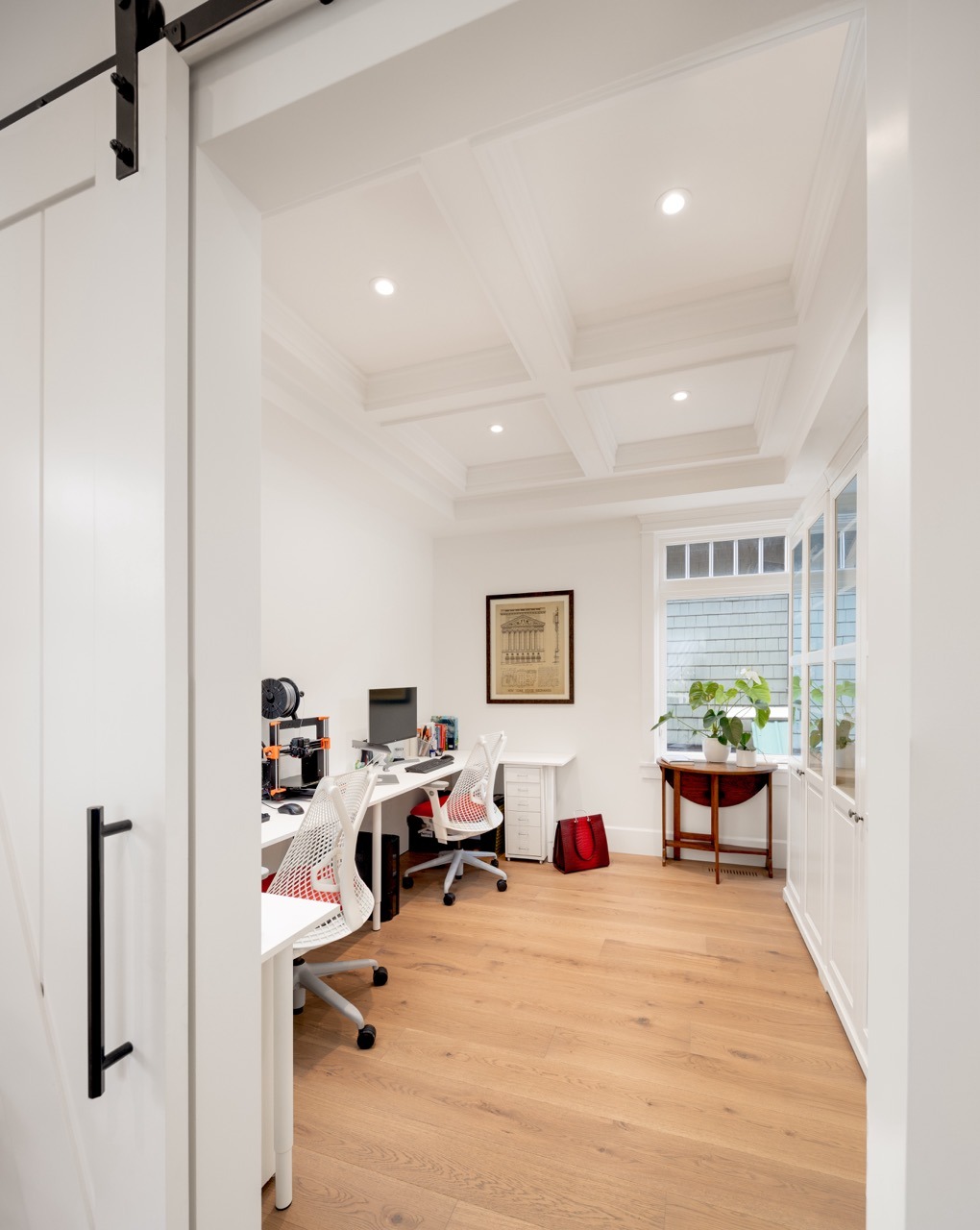
Soft finishes like rugs, bookshelves, and fabric panels help absorb sound so your calls feel calmer and more private, even in a busy home.
Great audio often matters more than perfect video.
Soft finishes that quiet the room
- Rug under the desk: Especially in condos with hard flooring, a rug cuts down on echo and rolling‑chair noise.
- Bookshelves behind you: A filled shelf works like a casual diffuser and looks good on camera.
- Fabric on the walls: Pinboards, framed fabric art, or acoustic panels on the wall opposite your mouth help absorb reflections.
Doors, walls, and “bigger fix” acoustic upgrades
For many Metro Vancouver homes, the real sound culprit is the hollow‑core interior door or a thin wall between your office and a noisy hallway. When we renovate, two upgrades tend to pay off:
- Solid‑core door with good seals instead of the original hollow door.
- Insulated interior walls if you already plan to open them for wiring or layout changes.
These are relatively small steps within a larger renovation project but they change how useable the room feels for all‑hands calls. If you’re exploring a full layout shift—like converting two small bedrooms into one office plus a better primary suite, a design–build addition or reconfiguration can create a quieter zone for work.
For general background on sound transmission, the National Research Council of Canada offers helpful explanations of STC ratings and wall assemblies in their acoustics resources, starting with this NRC sound transmission guide.
Lighting and camera setup for better video calls
Lighting has a huge impact on how “professional” you look on Zoom or Teams—even with a basic webcam.
Desk placement for natural light
- Face the window, don’t sit with it behind you. Side or front light is flattering; backlight turns you into a silhouette.
- Add a blind you can control. Sheer shades soften mid‑day sun so you’re not squinting during stand‑ups.
- Avoid overhead‑only light. A simple desk lamp with a warm, diffused bulb fills in shadows.
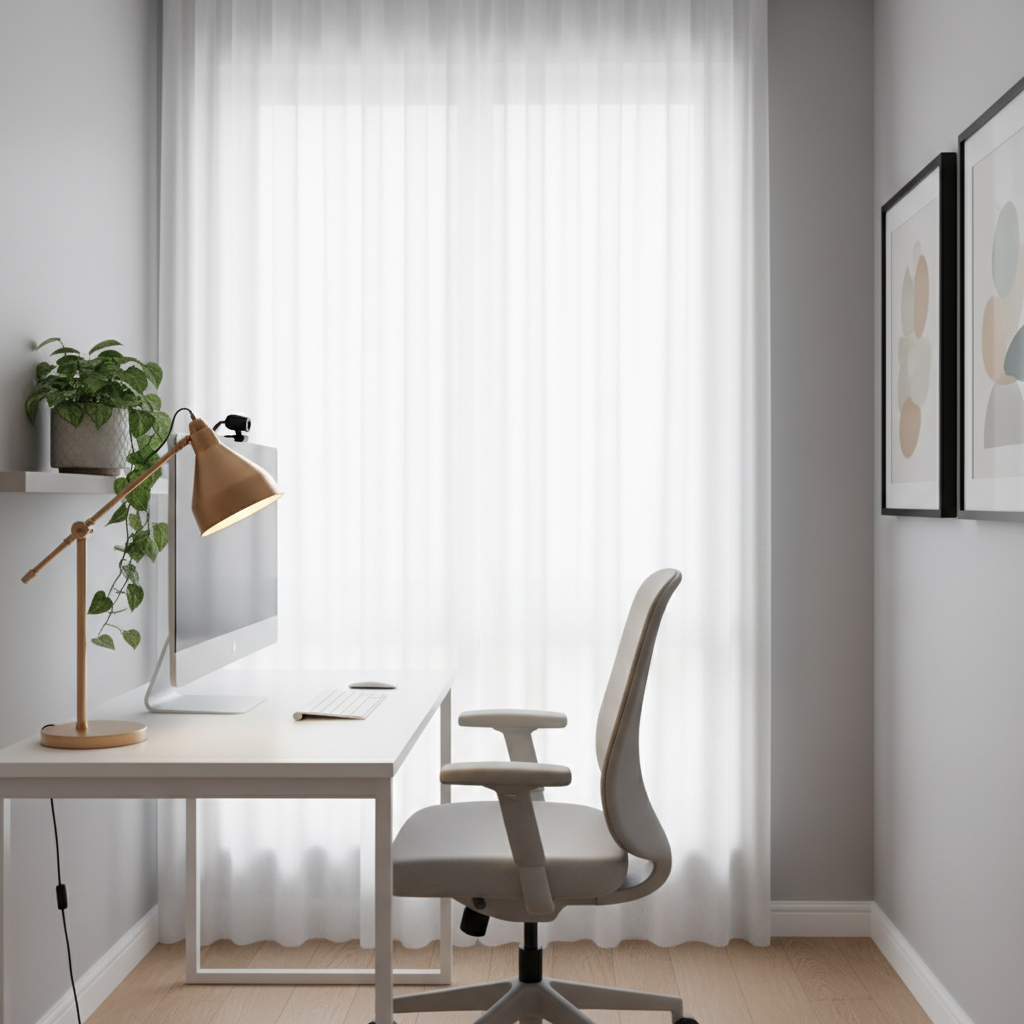
Positioning your desk to face a window, with controllable blinds and a small desk lamp, creates flattering light and a clear, professional video call setup.
Simple camera upgrades
- Raise the camera to eye level using a monitor mount or small stand.
- Angle slightly down for a more natural look and to hide desk clutter.
- Test with your actual tools (VS Code screenshares, Figma, remote pair‑programming), not just the camera app.
When we rework existing rooms, we often improve general lighting at the same time—better ceiling fixtures plus switched wall sconces can brighten the office and adjacent spaces. You can see examples in our renovation project gallery, where task lighting and ambient lighting work together.
Office decor ideas that support focus (and look good on camera)
Good decor isn’t about filling every shelf; it’s about creating calm for you and a tidy frame for everyone on your call.
- Keep the “camera zone” simple. One or two plants, a few framed pieces, and a bookshelf beat a busy gallery wall.
- Use closed storage for visual noise. Drawers or cabinets for cables, reference books, and spare gear keep the room from feeling like a server closet.
- Stick to a restrained palette. Three or four main colours across walls, textiles, and accessories keep the space steady on screen.
We often treat the webcam view almost like a mini set: neutral backdrop, a little depth, and a few personal items that say “human,” not “warehouse.” If you’re planning a bigger remodel, your office decor ideas can be baked into the millwork design—built‑ins, window seats, and integrated shelving—rather than added as a last step.
Office furnishing ideas for small Vancouver homes
Many Metro Vancouver homeowners don’t have a spare room to dedicate to work. That doesn’t mean you’re stuck with a laptop on the sofa.
- Wall‑to‑wall built‑in desk: In narrow rooms, a custom desk from wall to wall creates more surface area than a store‑bought piece and hides legs and cables.
- Desk + wardrobe combo: In older houses with minimal closet space, a built‑in that combines hanging storage and a desk can serve both daily life and work.
- Convertible “cloffice”: A deep closet or niche can become a small office with a sliding door that hides everything after hours.
- Quality task chair: It’s hard to code for eight hours in a dining chair. Choose an ergonomic chair over another gadget.
Comfortable, adjustable seating is especially important because musculoskeletal injuries remain the most common type of workplace injury in B.C., accounting for about 30% of all WorkSafeBC time-loss claims and more than a quarter of overall claim costs. WorkSafeBC guidance on musculoskeletal injuries highlights how good ergonomics and workstation design help reduce that risk.
These office furnishing ideas work best when they’re planned as part of a broader layout rethink: removing a redundant hallway, reclaiming an oversized landing, or consolidating two small rooms. Our custom home builds often include some kind of flex space designed for focus work.
When a renovation-level home office makes sense
At some point, rearranging furniture won’t fix noise bleed, lack of light, or constant interruptions. That’s usually when our tech clients call and say, “We need a real office, not a temporary setup.”
A renovation or addition can be worth considering if:
- You expect to work from home long‑term (or share the office with a partner who does).
- Your role involves frequent demos, recordings, or confidential calls.
- You’re already planning a major renovation and want the office woven into a bigger layout update.
- You’d like better resale value from a clearly defined, well‑designed work space.
In our Downtown townhome office project, for example, we reconfigured the top floor’s open room into a primary suite with a separate study area so the homeowners had a quiet workspace away from the main living level—without adding extra square footage.
In those cases, we look at how the office ties into circulation, natural light, storage, and family life—not just where a desk might fit. A smart home office can be designed right alongside kitchen, living, or suite upgrades so your home works for the next decade of your career.
If you’re in Vancouver or the surrounding area and considering a renovation that includes a dedicated office, you can request a free consultation. We’ll walk through your space, your tech needs, and how a design–build approach can support both.
Home office design FAQs
How do I choose the best room for a home office in a small Vancouver home?
Start by looking for a spot you can close off or partially separate from daily traffic—ideally with a door, or at least around a corner from the main living areas. Natural light and a wall you can face without screen glare are big pluses, as is being away from shared walls with noisy spaces like kitchens. In many Vancouver homes that ends up being a smaller bedroom, den, or even an oversized landing that can be reworked during a room renovation project.
What’s the minimum space I need for a functional home office?
A simple setup with a 24–30 inch deep desk, task chair, and a bit of leg and circulation room can work in as little as 5–6 feet of wall length. If you need dual monitors, a printer, or a second person sharing the space, planning closer to 7–8 feet gives you more breathing room and storage options. Even if you’re squeezing into a closet or niche, factor in door swing, ventilation, and enough depth that you’re not pressed against the wall during long calls—details we always review during a free consultation.
Quick checklist: Remote-work-ready office
Use this list to sanity‑check your current setup or plan a new one:
- Desk faces a wall or window with controllable light (no bright window directly behind you).
- Enough outlets for all equipment without daisy‑chained power bars.
- Clear cable paths: tray under the desk, labelled cords, no tripping hazards.
- Soft surfaces: rug, curtains, upholstered chair, and at least one filled bookshelf.
- Solid‑core or well‑sealed door if calls need to stay private.
- Webcam at eye level, with soft front/side lighting.
- Background framed with a few intentional decor pieces, not random clutter.
- Chair that supports long coding or design sessions without back pain.
- Storage for gear that isn’t in daily use so you can actually shut “the office” off at night.
Start with one or two upgrades, often cable management and lighting—and build from there. If those changes reveal that the room itself is fighting you, that’s when a deeper renovation conversation can really pay off.
Disclaimer: The ideas in this article are for general information only and are not a substitute for professional advice from licensed electricians, engineers, ergonomic specialists, or your local building department. Always confirm permit and code requirements in your municipality.